User Guide
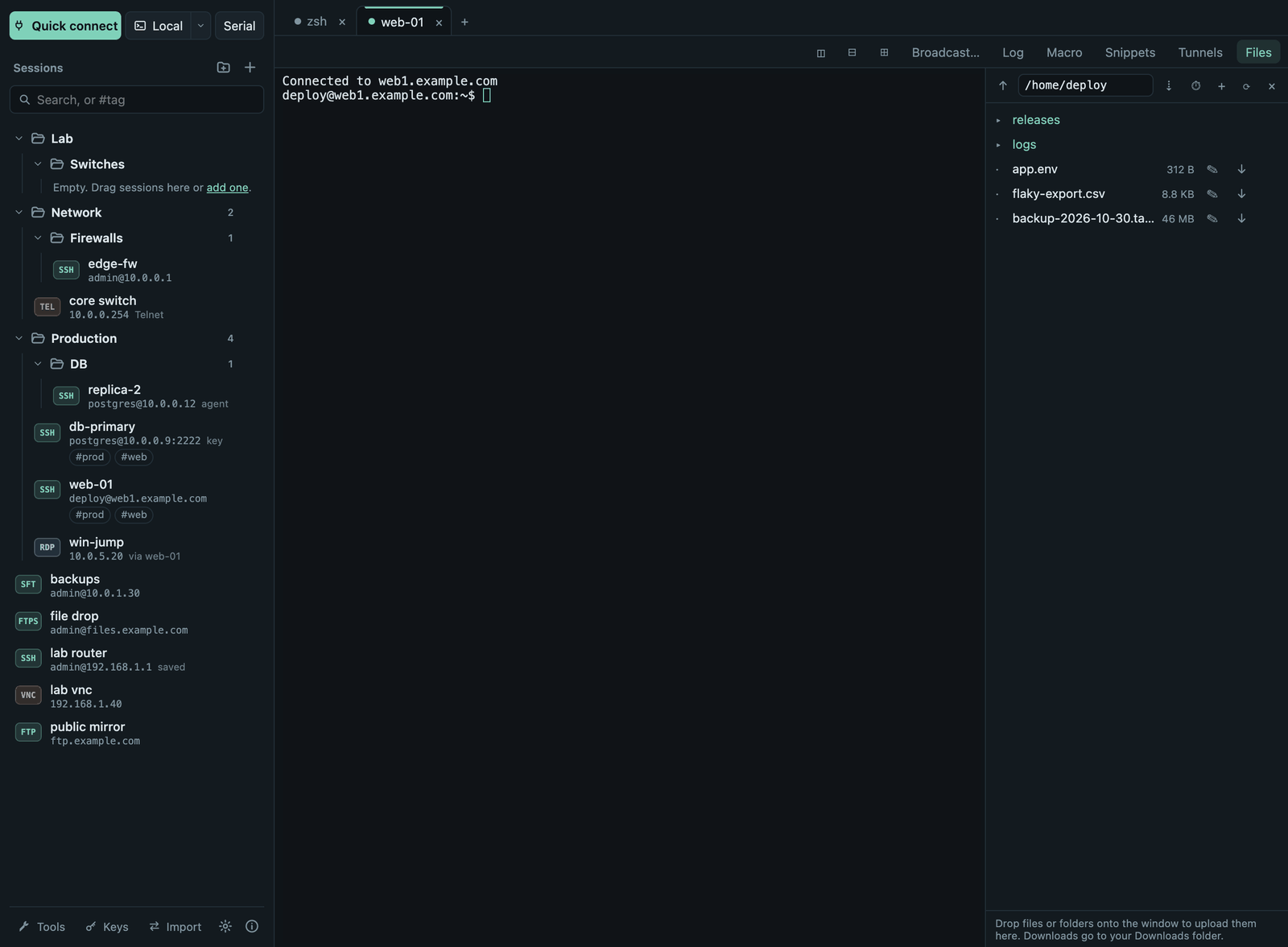
Termalith keeps your servers, network devices and remote desktops in one window: saved sessions on the left, tabs on the right. It is free and open source (MIT) and works the same on macOS, Windows and Linux.
Start here
- Download and install: pick the right file for your system and get past the first-launch warning.
- Your first connection: save a server, confirm its host key, log in, open files.
Everything Termalith does
| Topic | What you will find |
|---|---|
| Sessions | Saving connections, folders, favorites, tags, search, import from MobaXterm and ~/.ssh/config, export |
| SSH | Passwords, keys, agent, one-time codes, host keys, jump hosts, proxies, tunnels, X11 and agent forwarding, Mosh, key manager, server monitor |
| Terminals | Tabs, split panes, broadcast typing, snippets, macros, logs, find, colors and fonts |
| Files | SFTP panel and file browser, FTP and FTPS, uploads and downloads, editing remote files, compare |
| Remote desktop | RDP and VNC inside Termalith or in your own client, certificates, tunnels |
| Serial, Telnet and network tools | Consoles for devices, ping, traceroute, port scan, DNS, subnet calculator, Wake-on-LAN |
| Passwords and your data | Keychain, master password, portable copy, where data is stored, what is never sent |
| Settings | Every setting and what it does |
| Keyboard shortcuts | Shortcuts for macOS, Windows and Linux, keyboard-only use |
| Coming from MobaXterm | Moving your sessions, where to find each feature, what is different |
| Troubleshooting | Common problems and how to fix them |
Getting help
- Something does not work or is unclear: open an issue on GitHub. About (ⓘ in the sidebar footer) → Report a problem opens the same page.
- Security problems: report them privately, see Security.
- What changed in each version: Changelog.
Feedback welcome
Most features are used daily on macOS. Windows and Linux builds pass automated and real-server tests on every change but have had less hands-on use, so reports from those systems are especially useful.